One table.
A hundred questions.
Bring something interesting inside.
Explore it together.
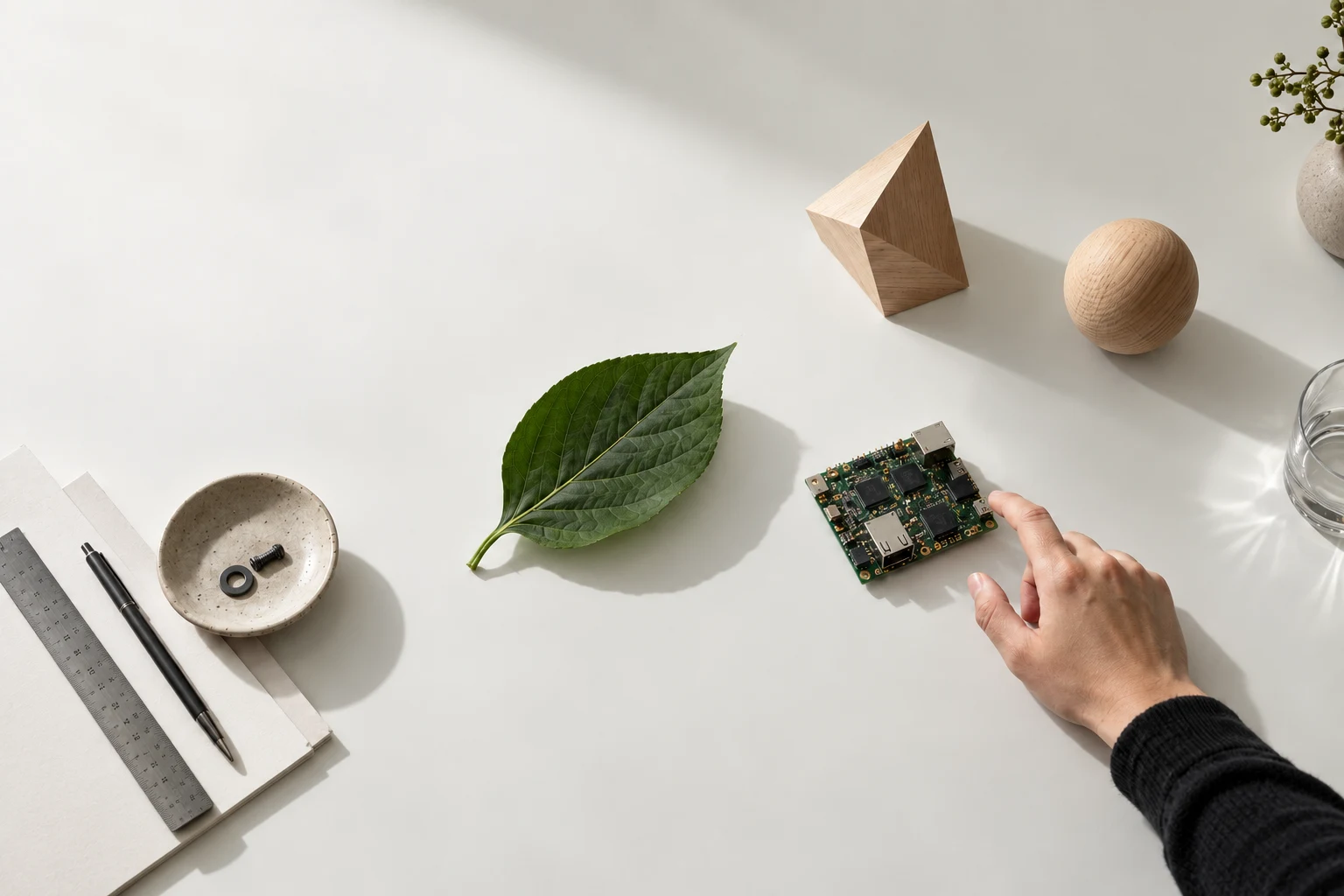
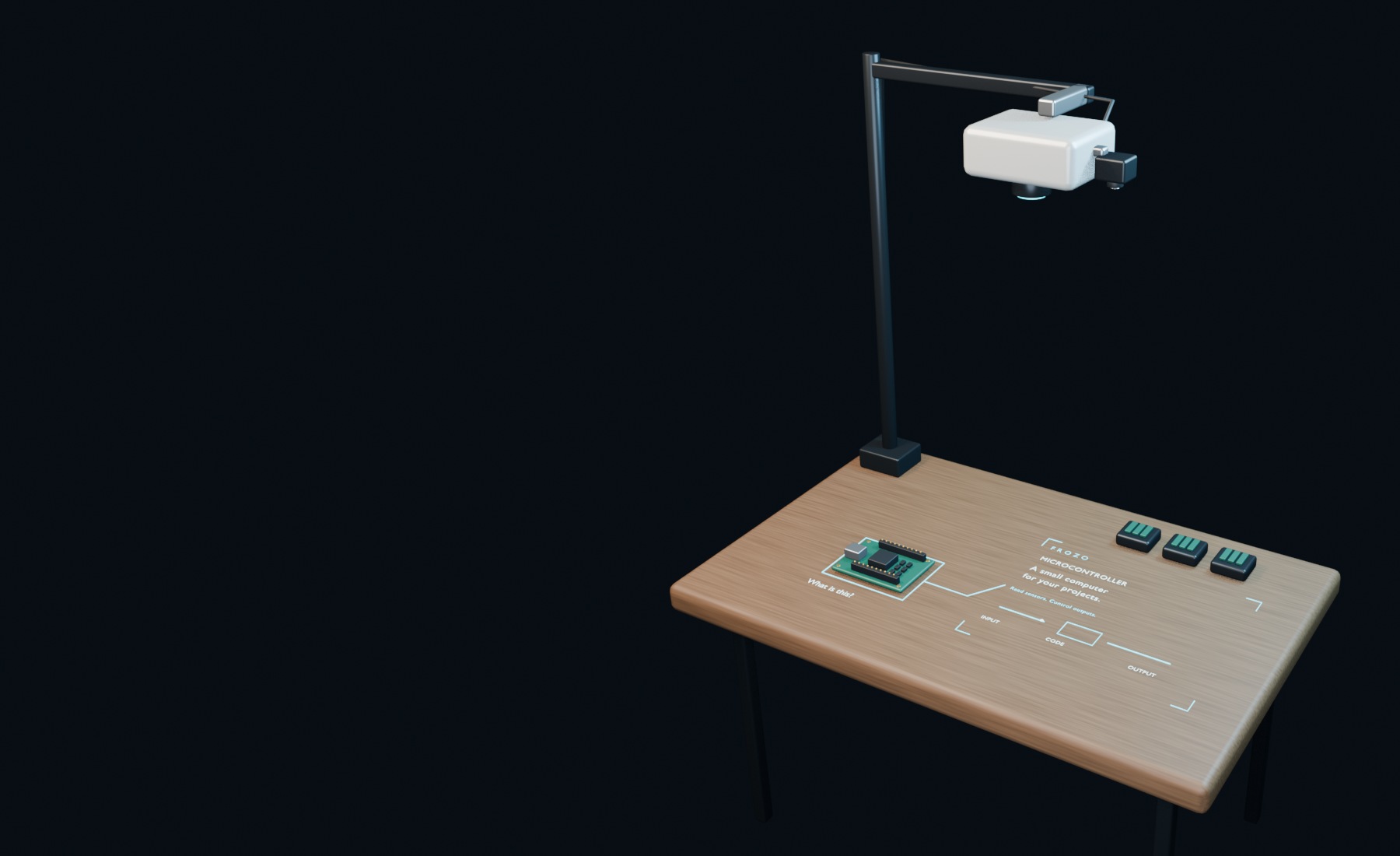 The setup Blender concept
Illustrated concept · Choose an object.
What if computing happened
where your attention already is?
Frozo brings a camera, a projector and AI into the same workspace. We’re building towards explanations that live beside real objects—so you can stay with what you’re doing.
A new role for
familiar hardware.
The prototype uses a compatible projector, a camera and a computer. Calibration connects what the camera sees to where the projector draws.
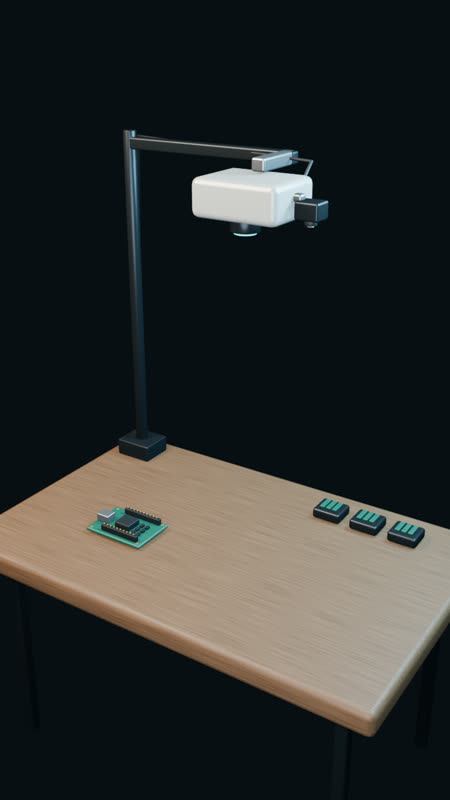 Blender illustration · Not a live demo
We’re building in the open about what’s possible—and what still needs to become dependable.
Camera-to-projector calibration, object highlighting, question-and-answer foundations and projected explanation panels.
Keeping track of objects through movement and occlusion, stable physical alignment and complete everyday workflows.
More ways to learn and make, and a compact adapter for compatible projectors. There is no announced shipping date yet.
Not yet. Frozo is a prototype in development. We haven’t announced pricing or a shipping date. Email hello@frozo.ai to discuss your use case or ask about the build.
We’re building around compatible projectors, but haven’t validated every model. The current prototype needs a camera, computer, flat work surface and calibration. Tell us about the equipment you have.
The interactive tabletop is an authored illustration. The films are AI-generated concepts, and the setup animation is made in Blender. They explain the direction; they don’t prove recognition accuracy or completed real-world workflows.
The core capture, calibration, scene and rendering loop is designed to work offline. AI responses depend on the configured provider; some use cloud services.
A projector. A question. A use case.
We’d like to hear it.